
iOS (Safari)
1. Open your HTTPS itemized URL in Safari.
2. Tap the Share button in the toolbar.
3. Choose Add to Home Screen and tap Add.
4. Launch itemized full-screen from your home screen.
Install
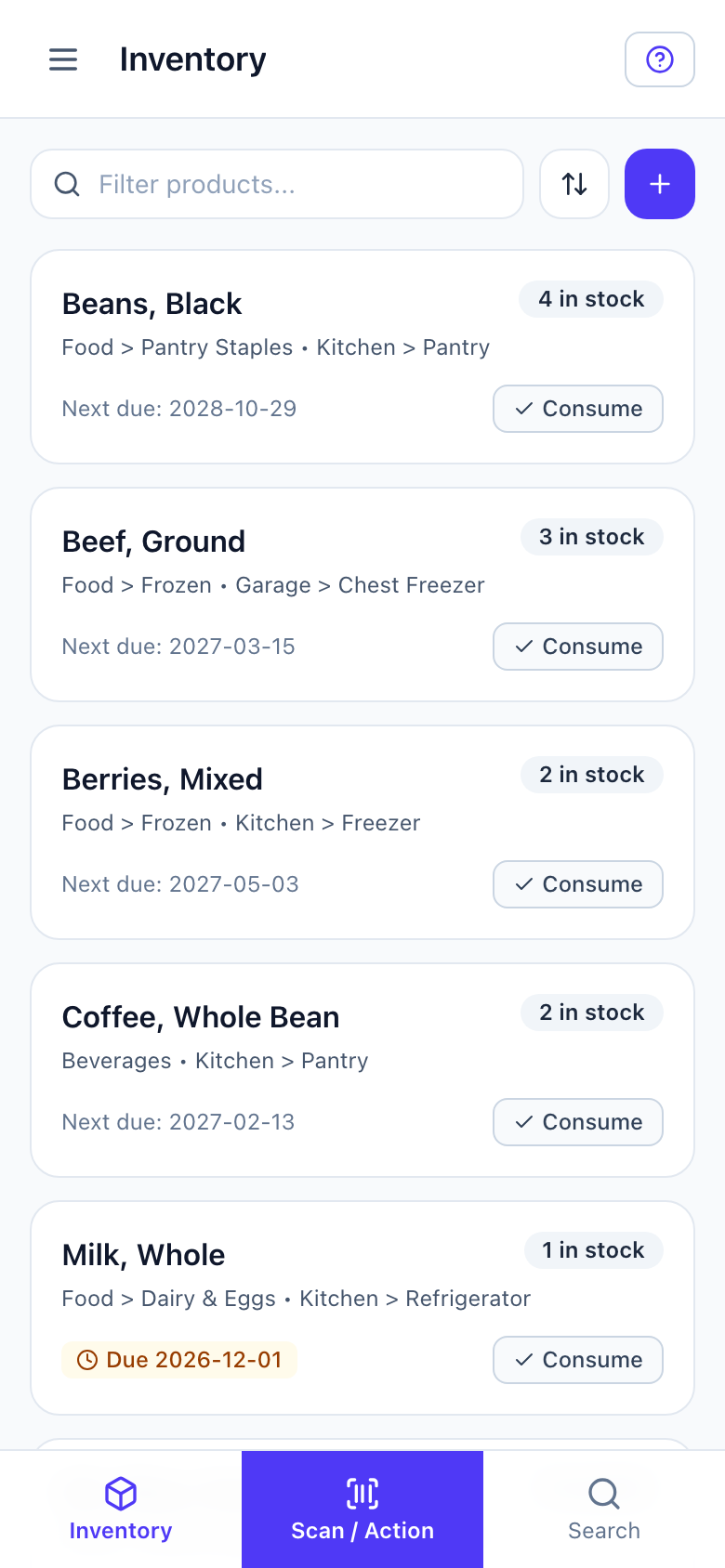
Itemized is an installable Progressive Web App (PWA). Add it straight from your browser, with no app store account required.
HTTPS is required for mobile camera barcode scanning and Web Push notifications. iOS Safari and mobile browsers on iOS and Android disable navigator.mediaDevices and Web Push enrollment on plain http:// LAN addresses.
Put itemized behind a reverse proxy (Nginx Proxy Manager, Caddy, Traefik, SWAG, or Tailscale Serve) before adding it to your home screen. On iPhone and iPad, Safari also requires launching itemized from the Home Screen icon before enabling daily push digests in Settings -> Notifications. See the HTTPS reverse proxy guide →
Step by step
1. Open your HTTPS itemized URL in Safari.
2. Tap the Share button in the toolbar.
3. Choose Add to Home Screen and tap Add.
4. Launch itemized full-screen from your home screen.
1. Open your HTTPS itemized URL in Chrome.
2. Tap the browser menu (three dots) or the install prompt.
3. Tap Add to Home screen → Install.
4. Launch itemized from your app drawer or home screen.
1. Open your itemized URL in Chrome, Edge, or Brave.
2. Click the Install icon in the address bar.
3. Confirm to run itemized in its own dedicated window with full keyboard shortcuts.
Hardware scanners
In addition to your phone’s camera, itemized works directly with standard keyboard-wedge USB and Bluetooth barcode scanners in the unified Scan / Action workflow.