Household accounts and OIDC SSO
Manage household users, Admin and Member roles, passwords, appearance, quick actions, and optional OpenID Connect single sign-on.
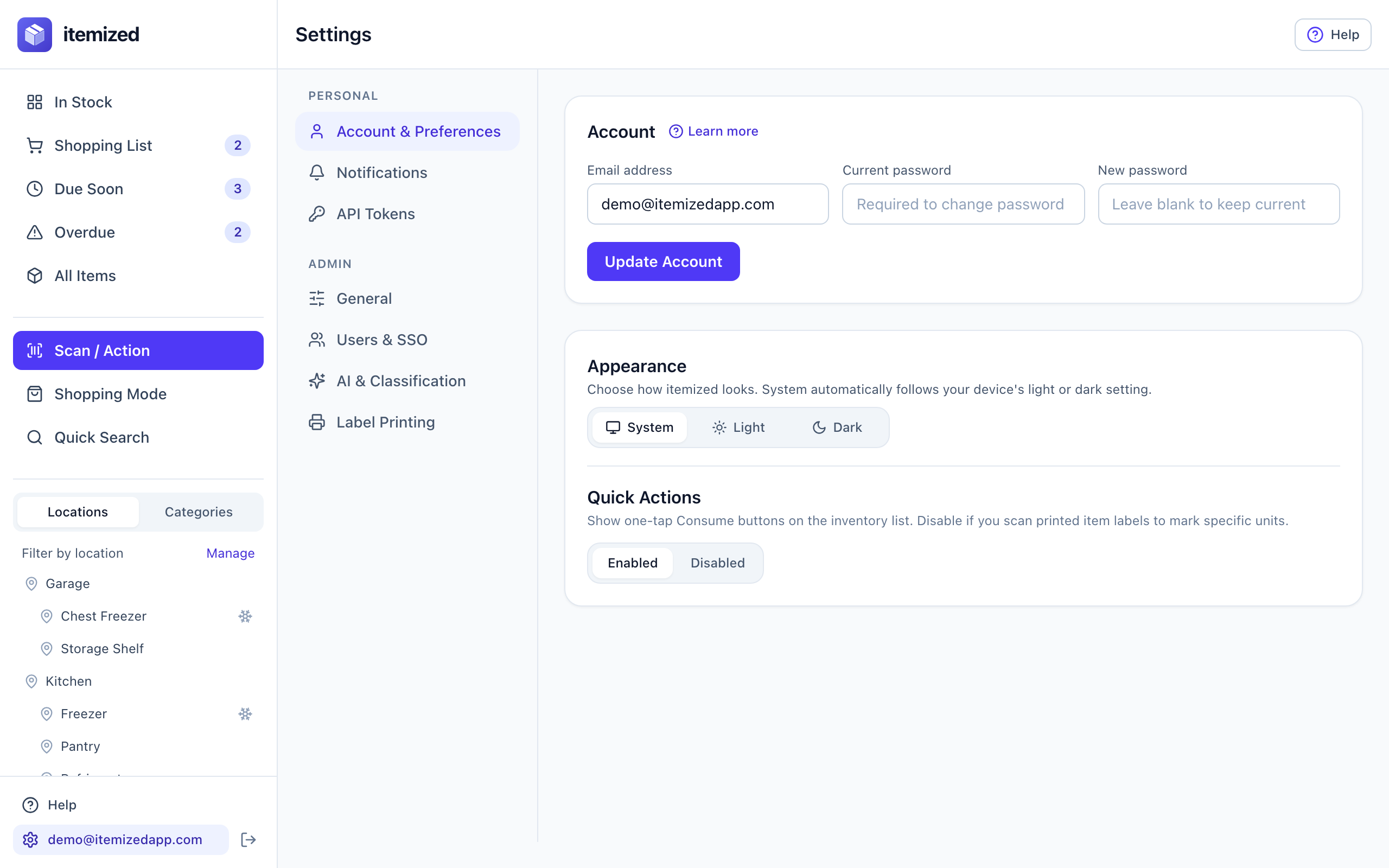
Itemized supports multiple household members with Admin and Member roles, local password login, and optional OIDC single sign-on.
Updating your own account and preferences
Every user can open Settings → Account & Preferences to:
- Update their email address or change their password (enter your current password and a new password of at least 8 characters).
- Choose an Appearance theme (System, Light, or Dark).
- Switch Quick Actions between Enabled and Disabled (enabled by default; disable if you scan printed item labels and prefer marking specific units consumed).
Managing household users
Administrators can open Settings → Users & SSO and use the Household Users card to:
- Add new household members with an email address, temporary password, and role (Member or Admin).
- Promote or demote existing users between Member and Admin.
- Delete accounts that no longer need access.
Members can browse, scan, and manage inventory, categories, and locations; only Admins can access the Admin settings panels (General, Users & SSO, AI & Classification, and Label Printing).
Connecting OIDC SSO
Under Settings → Users & SSO → OIDC Single Sign-On (Optional), enter your identity provider's Issuer URL, Client ID, and Client Secret (works with Authentik, Authelia, Pocket ID, Keycloak, and other Authorization Code + PKCE providers). Set your provider's redirect URI to <BASE_URL>/api/auth/oidc/callback.
Once Issuer URL and Client ID are set, you can optionally enable:
- Auto-provision new household members on OIDC login to create
memberaccounts automatically on first sign-in. - Force OIDC login to redirect the login screen directly to your IdP and disable local password sign-in.
Select Save OIDC Settings to apply your changes.