Settings overview
Navigate Personal and Admin Settings panels for Account, Preferences, Notifications, API Tokens, General, Users & SSO, AI, and Label Printing.
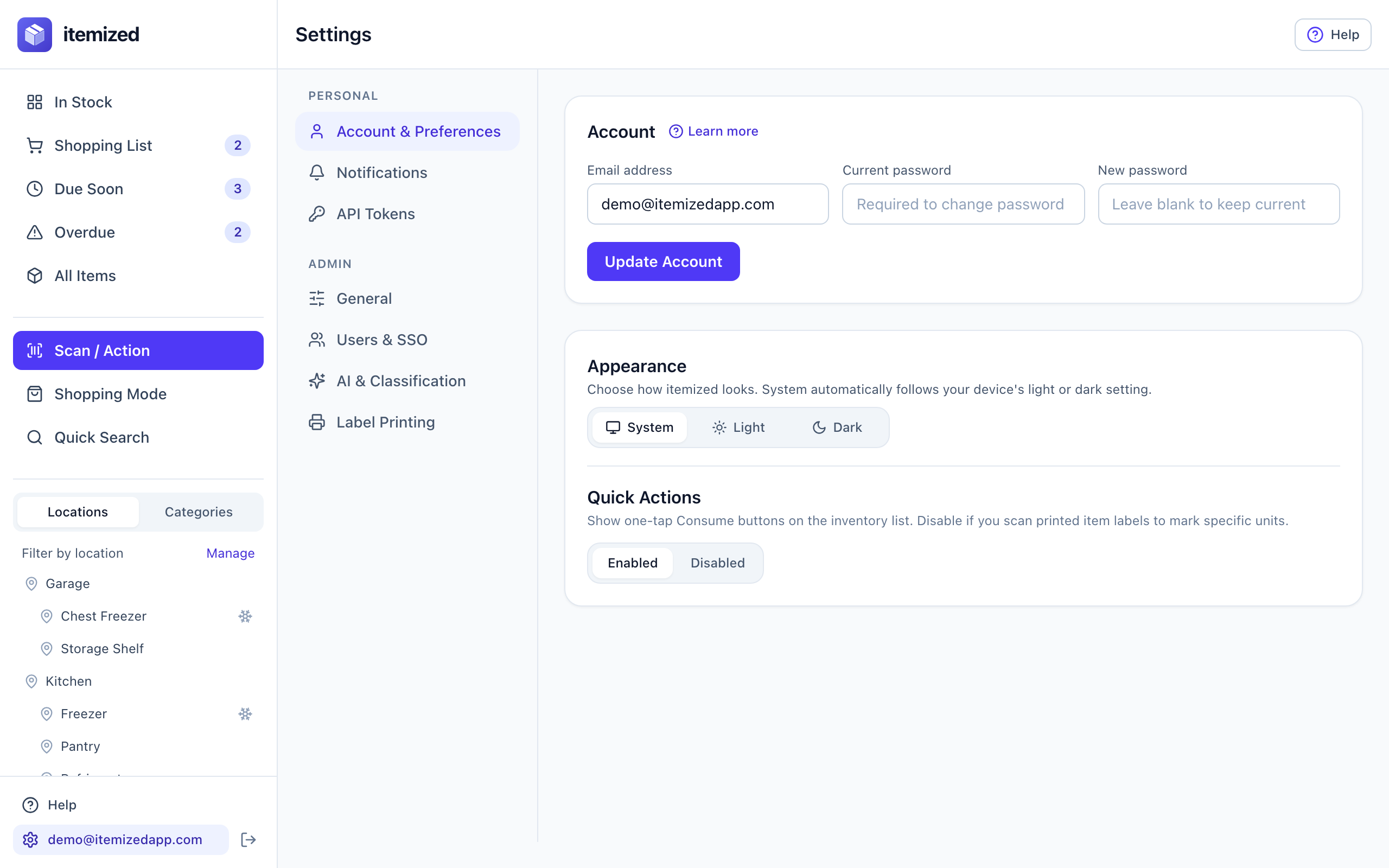
Open Settings by clicking your email address in the bottom-left sidebar footer (or visiting /settings). Settings is organized into Personal and Admin panels in the left navigation (or a grouped dropdown selector on mobile). Every card includes a Learn more link that opens its matching guide beside the page without discarding unsaved edits.
Personal panels (all users)
- Account & Preferences (
/settings): Update your email address and password, choose your Appearance theme (System, Light, or Dark), and toggle one-tap Quick Actions on inventory lists. See Household accounts and OIDC SSO. - Notifications (
/settings?tab=notifications): Enroll browsers and mobile PWAs for Web Push, send test alerts, and schedule daily Expiring & Overdue and Shopping List digests. See Push notifications. - API Tokens (
/settings?tab=api-tokens): Create and revoke long-lived Personal API Tokens for Home Assistant, iOS Shortcuts, and scripts. See API tokens and Home Assistant.
Admin panels (administrators only)
- General (
/settings?tab=general): Set the Base URL encoded in printed QR labels and the Due Date Rolling Average Count. See Inventory and expiration tracking. - Users & SSO (
/settings?tab=users-sso): Create, promote/demote, or remove household accounts, and configure optional OIDC single sign-on, auto-provisioning, and forced OIDC login. See Household accounts and OIDC SSO. - AI & Classification (
/settings?tab=ai): Connect Anthropic, OpenAI, Gemini, or local Ollama for automatic UPC normalization and bulk reclassification. See UPC lookup and AI classification. - Label Printing (
/settings?tab=printing): Configure Zebra, Brother QL, TSPL, CUPS/IPP, or local browser printers and customize layouts with the Visual Label Designer. See Label printing and visual label designer.
Settings saved in the UI override environment variable defaults; see the Configuration reference for container-only variables.