Inventory and expiration tracking
Track stock quantities, Due Soon and Overdue alerts, rolling-average due dates, one-tap quick-consume, and bulk item actions.
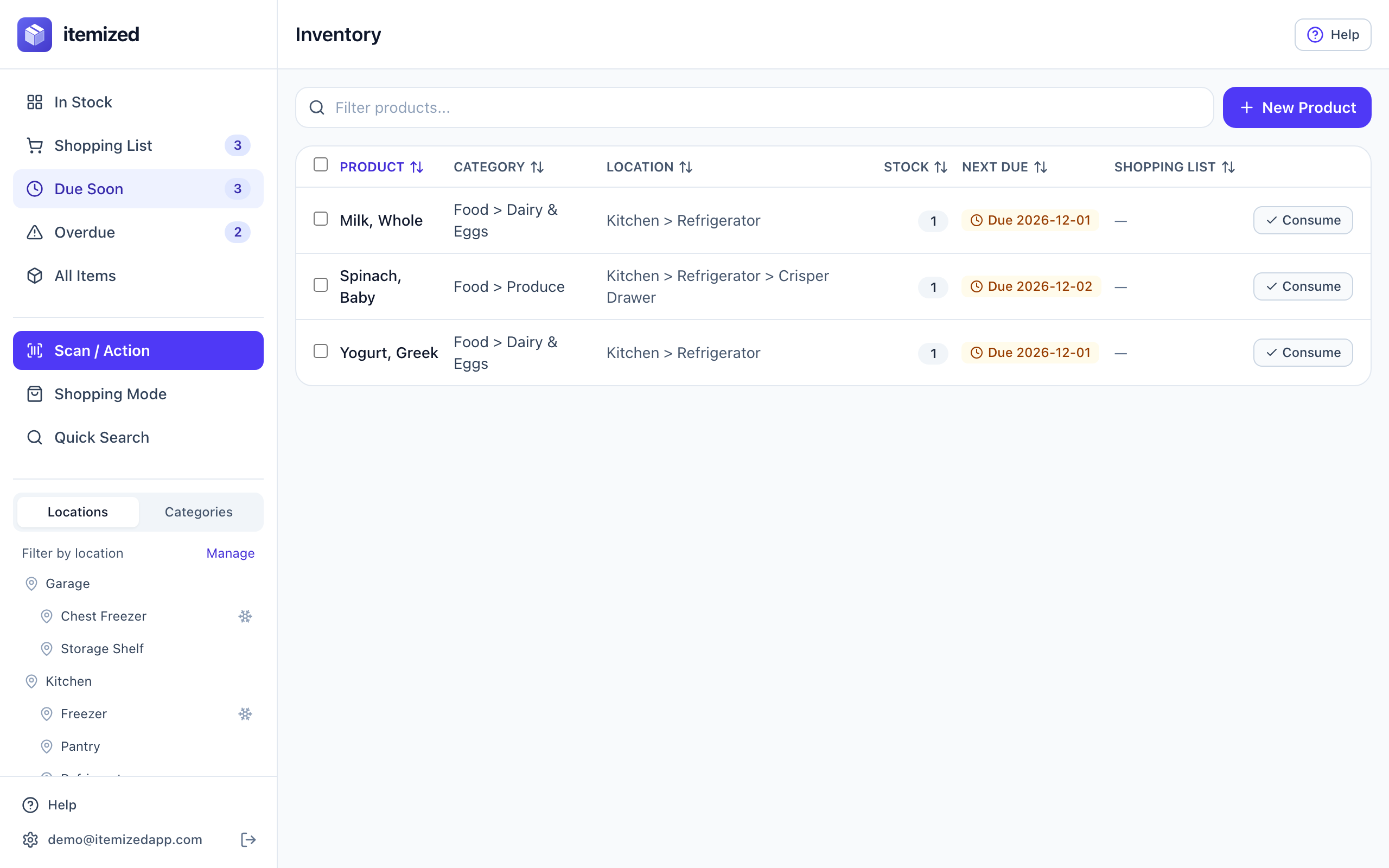
Itemized tracks individual physical Items under each Product so you always know what expires next and where it is stored.
Inventory views and sorting
Use the sidebar filters to switch between:
- In Stock: Products with at least one unconsumed item.
- Shopping List: Low-stock or manually pinned products.
- Due Soon: Items approaching their due date.
- Overdue: Items past their due date.
- All Items: Every product in your catalog, including out-of-stock products.
Filter any view by Location or Category from the sidebar tree, or sort by Name, Soonest Due, or Stock Count.
Smart expiration and due-date rules
Itemized calculates due dates automatically when you add, open, freeze, or thaw items:
- Rolling-average due days: Enabled by default on new products (
~Xdays on the Product detail page), computed from the average shelf life of your recent purchases. Configure how many recent purchases are averaged under Settings → General (Due Date Rolling Average Count). - Fixed due days: Uncheck the rolling-average option on a product to enter a manual Default Due Days value.
- Open, freeze, and thaw rules: Set optional days-after-opening, days-after-freezing, and days-after-thawing on a product. Marking an item Open or transferring it into or out of a Freezer location recalculates its due date automatically.
Managing individual and bulk items
On the inventory list, in-stock products display a Consume quick-action button on both mobile cards and desktop table rows so household members can log a consumed unit with one tap. Quick consume always marks the soonest-due item consumed (with unset due dates last, breaking ties by oldest item) and shows an Undo toast in case of an accidental tap. Power users who prefer scanning printed QR labels to mark exact units can disable Quick Actions per account under Settings → Account & Preferences.
Open any product to inspect its metadata, optional Measurement (volume, weight, or length), variants, barcodes, and individual items. Select checkboxes on multiple items to Consume, Open, Transfer, Set Due Date, Set Variant, or Reprint Labels in one action.