API tokens and Home Assistant
Create long-lived Personal API Tokens and connect itemized to Home Assistant, iOS Shortcuts, and custom scripts.
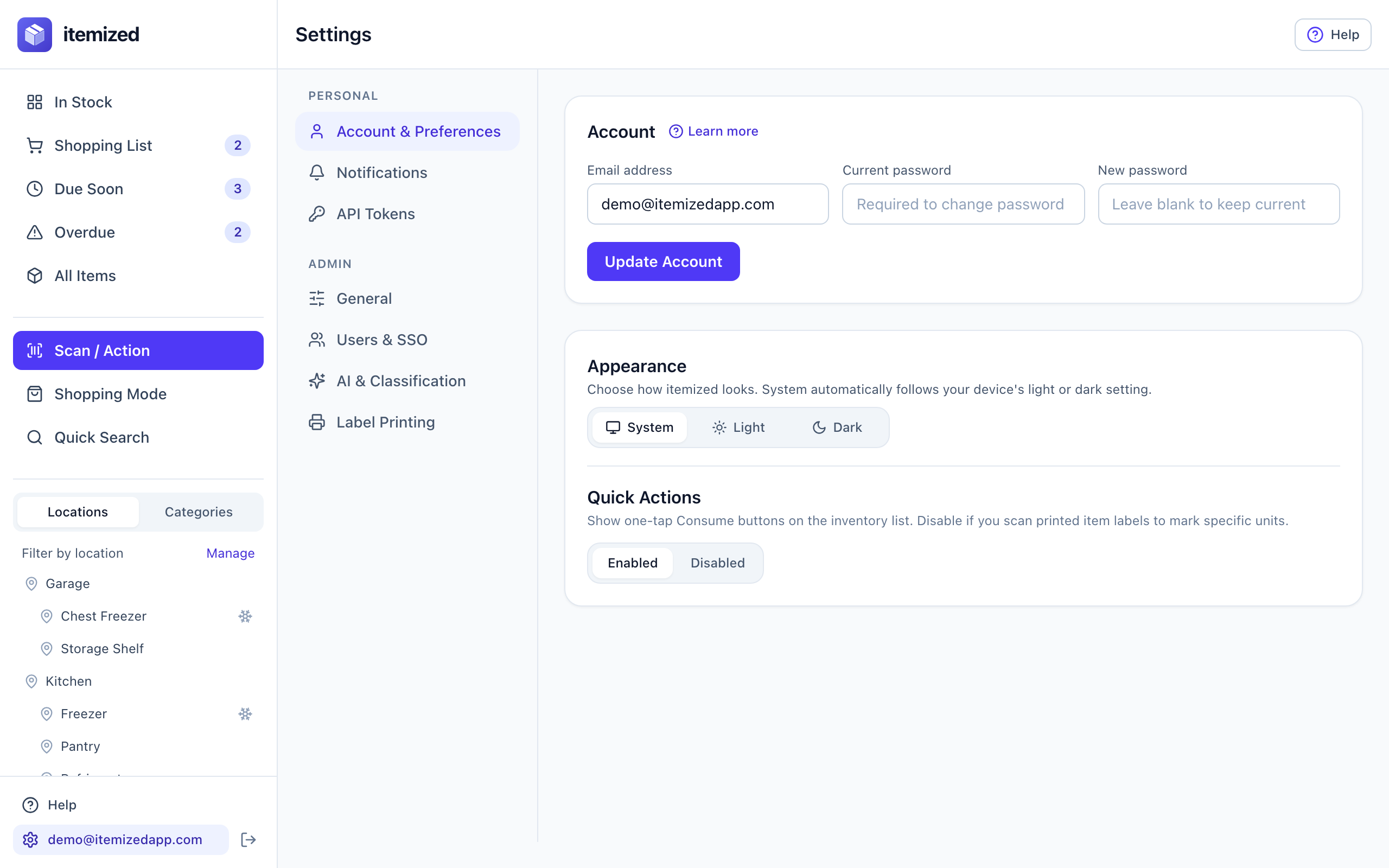
Personal API Tokens let external tools—such as Home Assistant, iOS Shortcuts, Mealie/Tandoor bridges, or shell scripts—authenticate with itemized without relying on short-lived browser cookies or local password login (even when Force OIDC is enabled).
Creating and revoking tokens
- Open Settings → API Tokens.
- Enter a descriptive Token name (for example,
Home Assistant) and choose an optional expiration (Never expires,30 days,90 days, or1 year). - Select Create Token and copy the
itm_...value immediately—for security, itemized stores only a SHA-256 hash and will not show the plaintext token again. - Pass the token in the
Authorizationheader of any/api/*request:
curl -H "Authorization: Bearer itm_your_token_here" \
  https://itemized.example.com/api/summary
Tokens inherit your account's role (Member or Admin) and survive web logouts and password rotations. If a device or key is ever compromised, click Revoke next to the token in Settings → API Tokens to invalidate it immediately.
Home Assistant integration
Itemized provides a dedicated GET /api/summary endpoint that returns stock, expiration, and shopping-list counts alongside lightweight product lists in a single JSON response. You can poll it with Home Assistant's built-in REST integration—no custom HACS component required.
Add your token to Home Assistant's secrets.yaml:
itemized_api_token: "Bearer itm_your_token_here"
Then add a rest: block to configuration.yaml:
rest:
  - resource: https://itemized.example.com/api/summary
    scan_interval: 300
    headers:
      Authorization: !secret itemized_api_token
    sensor:
      - name: "Itemized Due Soon"
        unique_id: itemized_due_soon
        value_template: "{{ value_json.counts.due_soon }}"
        json_attributes:
          - due_soon_products
        icon: mdi:clock-alert-outline

      - name: "Itemized Overdue"
        unique_id: itemized_overdue
        value_template: "{{ value_json.counts.overdue }}"
        json_attributes:
          - overdue_products
        icon: mdi:alert-circle-outline

      - name: "Itemized Shopping List"
        unique_id: itemized_shopping_list
        value_template: "{{ value_json.counts.shopping_list }}"
        json_attributes:
          - shopping_list_products
        icon: mdi:cart-outline

      - name: "Itemized In Stock Items"
        unique_id: itemized_in_stock_items
        value_template: "{{ value_json.counts.in_stock_items }}"
        icon: mdi:package-variant-closed
Example daily expiration alert automation
automation:
  - alias: "Itemized: Daily expiring food digest"
    trigger:
      - platform: time
        at: "08:30:00"
    condition:
      - condition: template
        value_template: >
          {{ (states('sensor.itemized_overdue') | int(0)) > 0
             or (states('sensor.itemized_due_soon') | int(0)) > 0 }}
    action:
      - service: notify.mobile_app_your_phone
        data:
          title: "Pantry check"
          message: >
            {{ states('sensor.itemized_overdue') }} overdue and
            {{ states('sensor.itemized_due_soon') }} due soon in itemized.
iOS Shortcuts and scripts
Use the Get Contents of URL action in Apple Shortcuts with header Authorization: Bearer itm_... to:
- Check what is expiring today via
GET /api/summary. - Search your pantry by name or barcode via
GET /api/products?status=all&q=milk. - Quick-consume the next-due unit of a product via
POST /api/products/{id}/consume-next. - Pin a product to your shopping list via
POST /api/products/{id}/toggle-shopping-list.
See the HTTP API reference for the complete list of verified endpoints.