Install itemized on your phone
Add itemized to your iOS or Android home screen as a full-screen Progressive Web App (PWA).
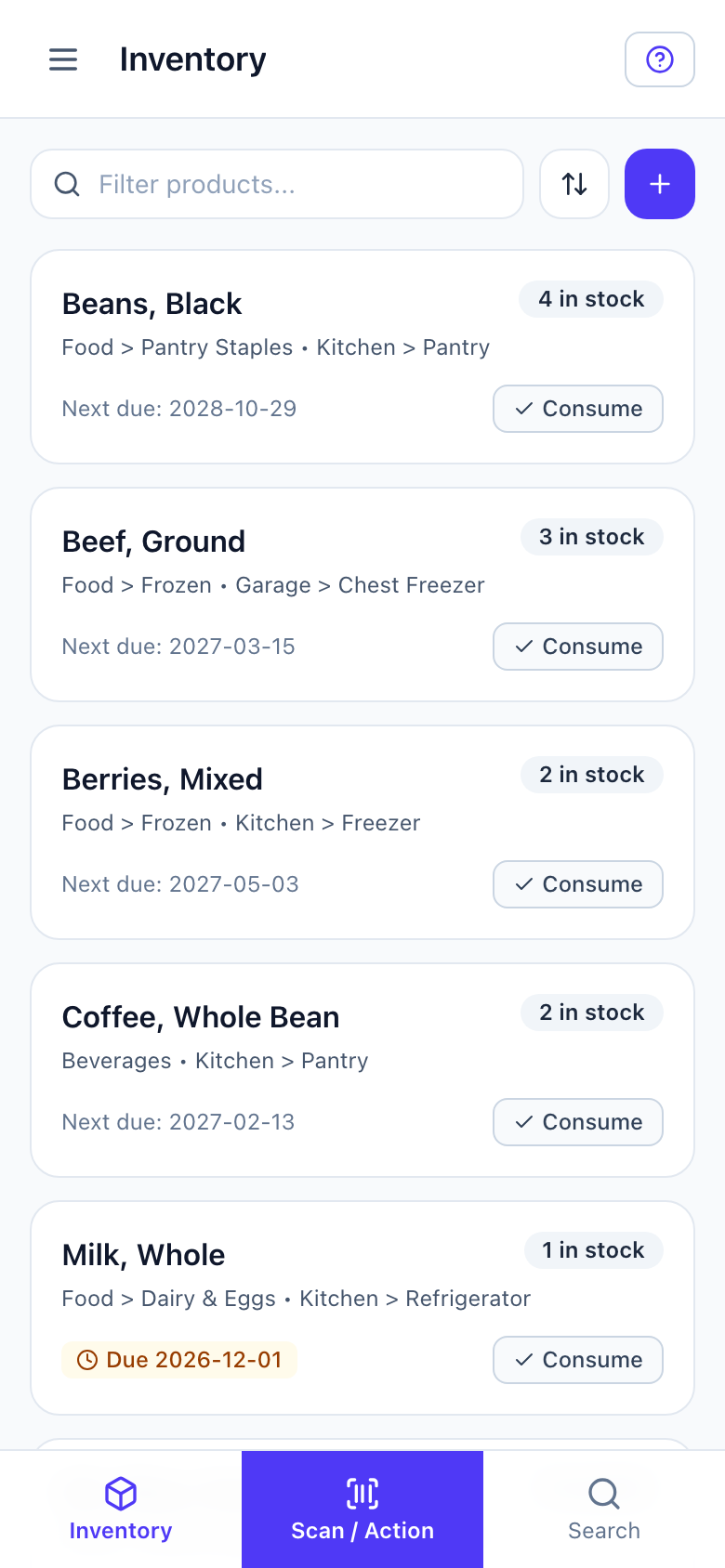
Itemized ships as an installable Progressive Web App (PWA) designed for one-handed use at the grocery store or in front of your pantry.
Before you install
Mobile browsers disable live camera barcode scanning on plain http:// LAN URLs. Make sure your instance is served over HTTPS behind a reverse proxy before installing it on your phone. See Self-hosting: Reverse proxy and TLS.
Install on iOS (Safari)
- Open your itemized HTTPS URL in Safari.
- Tap the Share button in the Safari toolbar.
- Scroll down and tap Add to Home Screen.
- Confirm the name (itemized) and tap Add.
Launching from the home screen opens itemized full-screen with safe-area support and no browser chrome.
Install on Android (Chrome)
- Open your itemized HTTPS URL in Chrome.
- Tap the Install app banner, or open the three-dot menu and choose Add to Home screen.
- Confirm Install.
Offline Help on mobile
Once loaded, itemized's in-app Help center works offline so you can check workflows or keyboard shortcuts even without a signal.