Troubleshooting
Fix common issues with mobile camera scanning, Zebra label printing, OIDC sign-in, and database permissions.
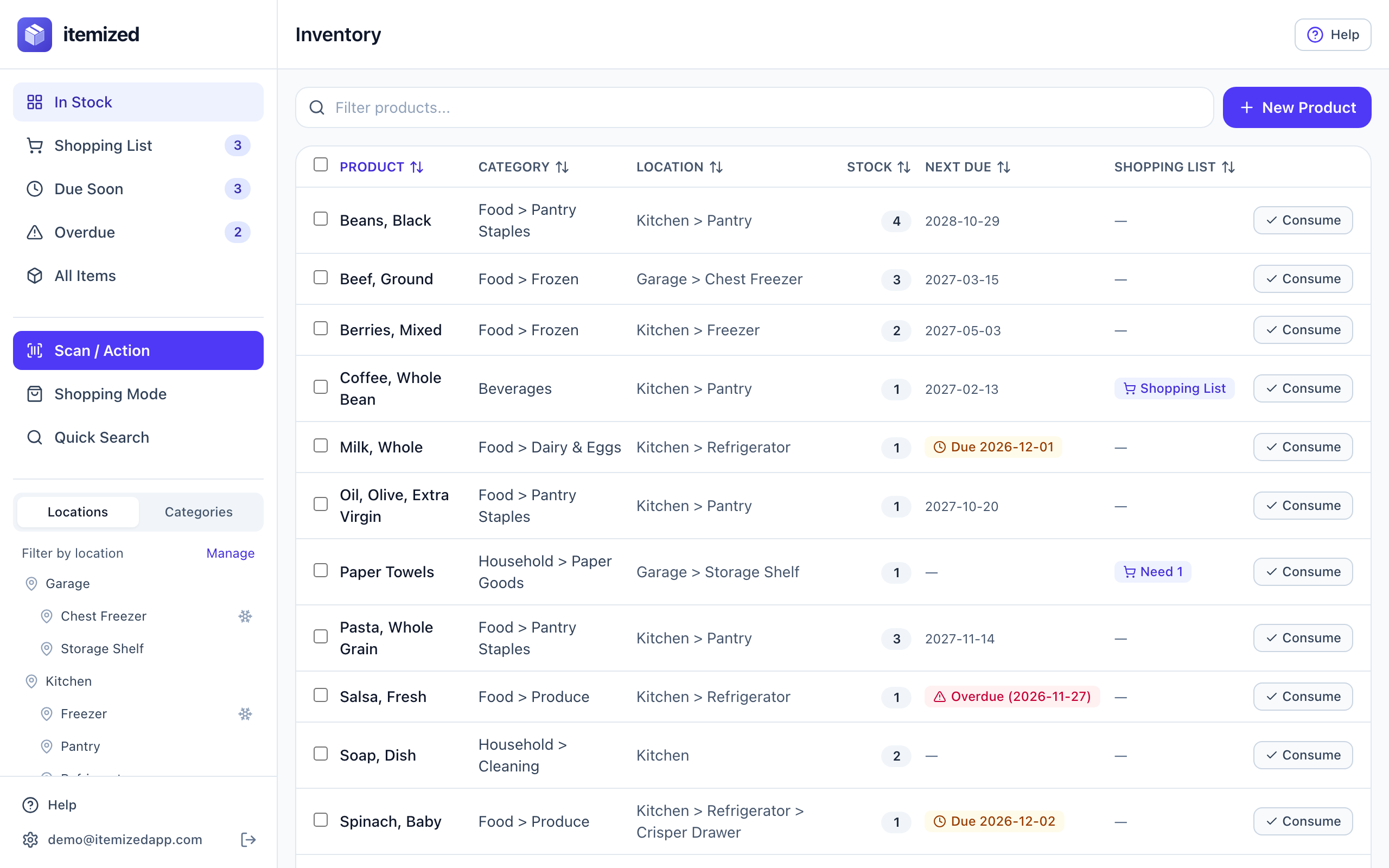
Quick fixes for the most common household and self-hosting issues.
Mobile camera barcode scanner does not start
Modern mobile browsers (including iOS Safari and Chrome on iOS) block navigator.mediaDevices on plain http:// LAN URLs. Place itemized behind an HTTPS reverse proxy (Caddy, nginx, Traefik, or Tailscale Serve) and set BASE_URL to your https:// address. See Reverse proxy and TLS.
Printed QR labels open the wrong URL
Set Base URL in Settings → Instance Configuration (or BASE_URL in your container environment) to your full HTTPS URL without a trailing slash, then reprint the label.
Zebra printer test print fails
- Confirm the itemized server can reach the printer's LAN IP and port (
631for Zebra ZSB IPP,9100for Raw TCP ZPL). - In Docker or Unraid, use bridge or host networking that allows outbound LAN traffic to your printer subnet.
- Verify the printer is powered on and loaded with labels.
OIDC callback fails
Ensure your identity provider's allowed Redirect URI matches <BASE_URL>/api/auth/oidc/callback exactly, and that BASE_URL matches the public HTTPS URL you visit in the browser.
Container cannot write to /data/itemized.db
Check that PUID and PGID match the owner of your mounted host data directory (for Unraid, PUID=99 and PGID=100).