Search and keyboard shortcuts
Find products instantly with typo-tolerant FTS5 search and navigate desktop views with Gmail-style shortcuts.
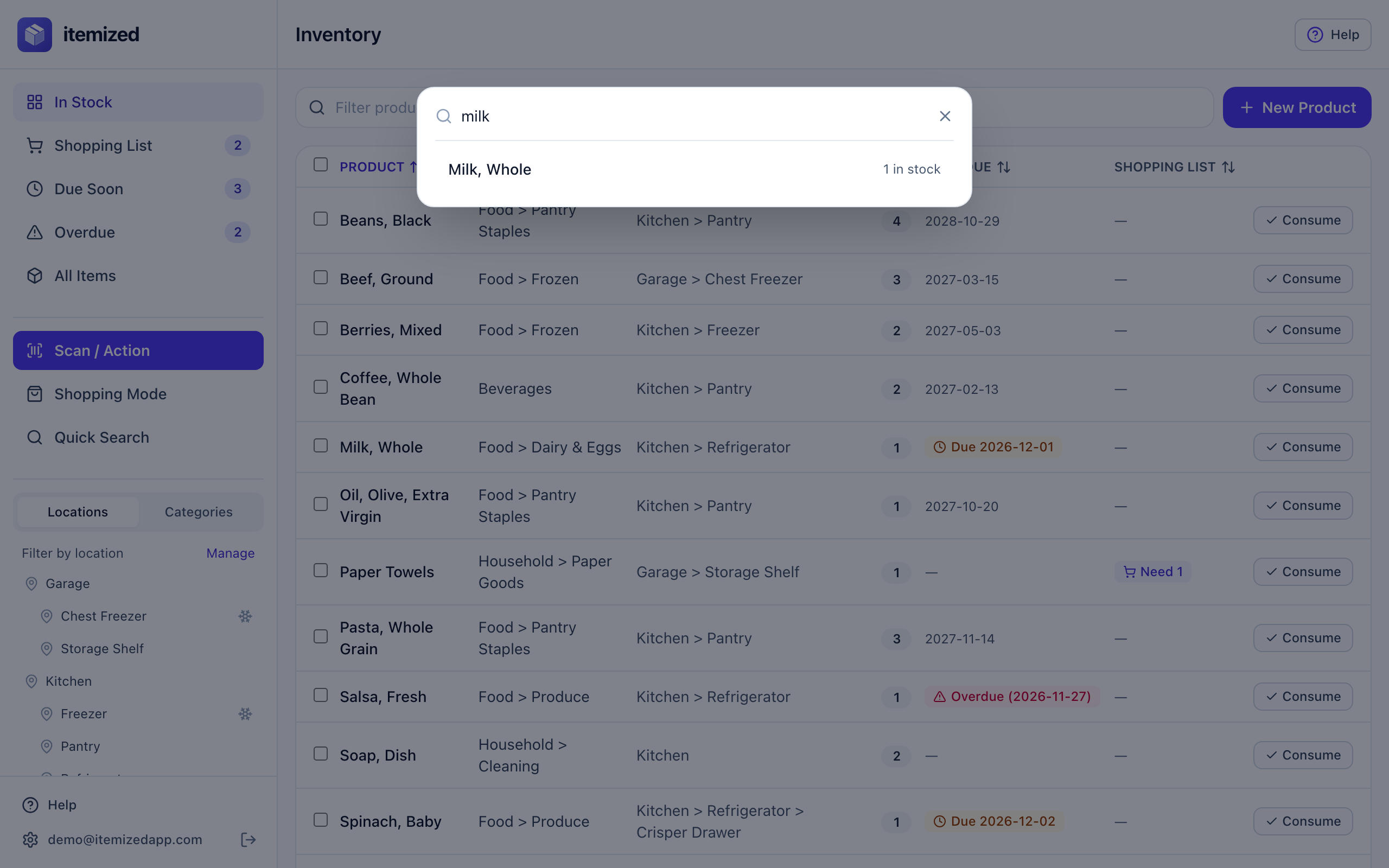
Itemized uses SQLite FTS5 trigram indexing so you can find products even with partial words or minor typos.
Quick Search and mobile Search
- Desktop: Click Quick Search in the sidebar to open the search modal, type a partial product name, and click a result to jump directly to its detail page.
- Mobile: Tap Search in the bottom dock to open the dedicated
/searchview. Navigating back from a product detail page restores your previous query and results automatically.
Keyboard shortcuts
Press ? anywhere outside an input field to toggle the keyboard shortcuts cheat sheet, or press g then ? to open the full in-app Help center.
| Shortcut | Action | Description |
|---|---|---|
g i |
In Stock | Open the In Stock inventory view |
g s |
Shopping List | Open the Shopping List view |
g d |
Due Soon | Open the Due Soon inventory view |
g o |
Overdue | Open the Overdue inventory view |
g a |
All Items | Open the All Items inventory view |
g ? |
Open Help | Open the in-app Help center |
n |
New Product | Create a new product |
Esc |
Back / Close | Close open dialogs or return to Inventory |
? |
Shortcuts Cheat Sheet | Toggle the keyboard shortcuts cheat sheet |